Six years ago, dinnertime at our house was chaos. I’d open the fridge at 5:30 PM, stare at random ingredients, get frustrated, and we’d end up with grilled cheese or pizza three nights a week. My husband and I have both worked full-time during most of those years, and the mental load of “what’s for dinner” was eating my evenings alive.
Two years ago I built the meal schedule that finally stuck. Here’s exactly how it works and the free template.

Why most meal plans fail
The big reasons I see meal plans fall apart in real life:
- Too elaborate (every night is a new recipe = burnout)
- No flexibility for sick days or surprise events
- Shopping list doesn’t match the plan
- Doesn’t account for leftovers
- Treats the meal plan as rigid instead of a starting point
The theme-night system
This is the foundation. Each weekday has a theme, which dramatically reduces planning decisions. You’re not picking a recipe from infinite options; you’re picking one specific category.
| Day | Theme | Example recipes |
|---|---|---|
| Monday | Meatless Monday | Pasta primavera, lentil soup, veggie stir-fry |
| Tuesday | Taco Tuesday | Beef tacos, chicken fajitas, fish tacos |
| Wednesday | Sheet pan / one pot | Sheet pan chicken, baked ziti, instant pot stew |
| Thursday | Leftover or Breakfast for Dinner | Wednesday’s leftovers, pancakes, omelets |
| Friday | Pizza or Takeout | Homemade pizza, Trader Joe’s frozen, or takeout |
| Saturday | Family favorite | Burgers, spaghetti, roast chicken |
| Sunday | Big batch / meal prep | Roast + sides, big pot of chili, lasagna |
Your themes can be different. The point is having a category so you’re not picking from infinity.
The “Plan 2 Cook 1” rule
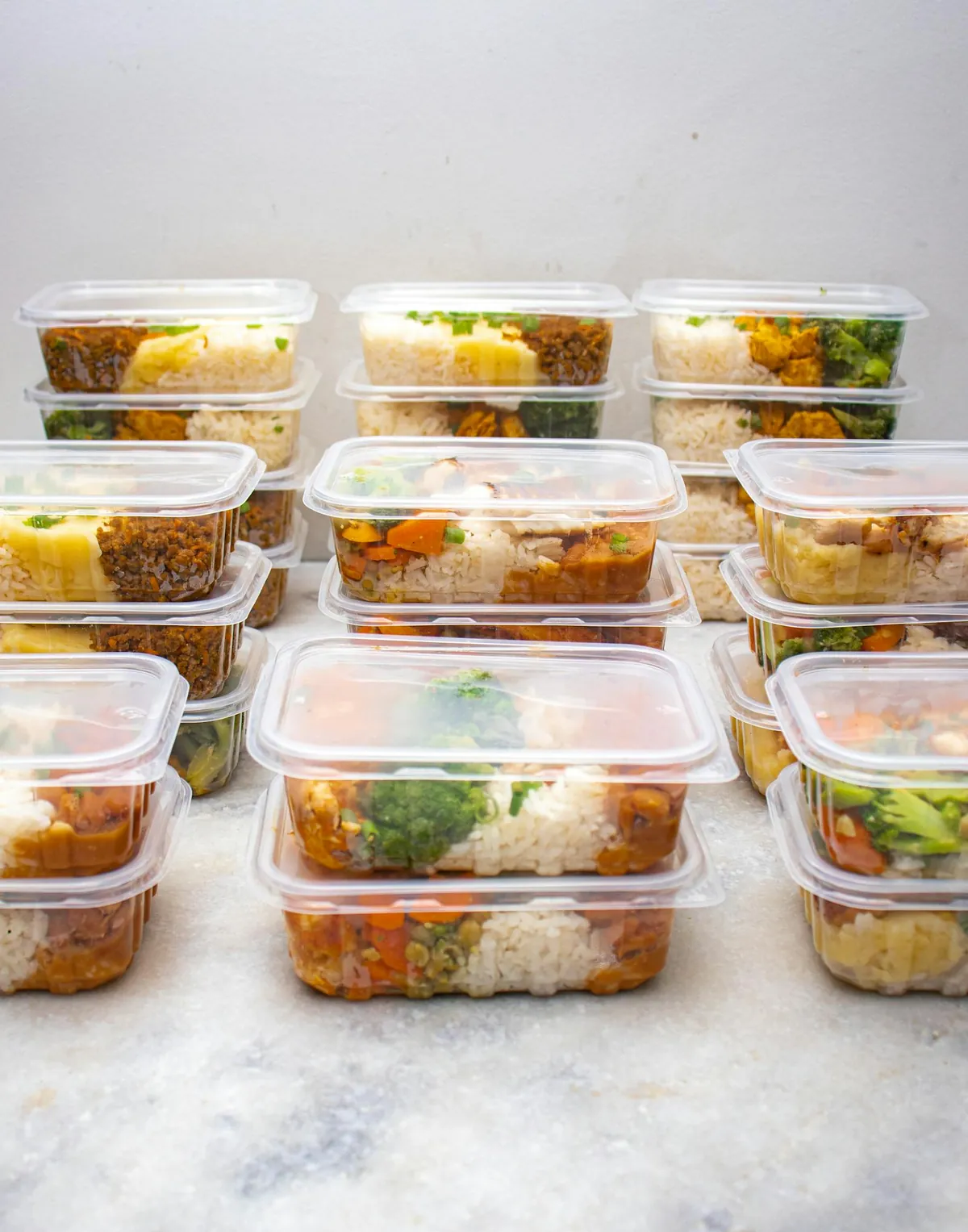
For each meal, I cook DOUBLE the portion size 2 nights per week. The leftovers cover lunches AND occasionally Thursday’s “Leftover Night” dinner. This is the secret to actually saving time.
Sunday I roast a 4lb chicken: dinner Sunday for 4, shredded for taco Tuesday lunch leftovers, broth made from carcass for Wednesday’s soup.
The Sunday 90-minute meal prep
This isn’t full-on “cook every meal for the week” prep. It’s strategic prep that makes weeknight assembly fast.
- Wash and chop a week’s worth of salad greens, peppers, carrots
- Cook 1 big protein (whole chicken, batch of ground beef, roast pork)
- Cook 1 big grain (rice, quinoa, pasta)
- Make 1 big sauce (tomato sauce, pesto, salad dressing)
- Hard-boil 6 eggs for breakfasts
- Wash and store fruit
By Monday at 5:30 PM, half of dinner is already done. Combine the cooked protein with a grain and a vegetable – assembled, not cooked.
The grocery list integration
This is where most templates fail. Without a grocery list that automatically reflects the meal plan, you’ll shop randomly and not have what you need on Wednesday.
My system: Google Sheets with two tabs. Tab 1 = meal plan with recipe links. Tab 2 = grocery list. When I pick the meals on Saturday morning, I copy ingredients to Tab 2. Sunday morning I shop with the printed list (or use Kroger curbside pickup).
What to do when life happens
The plan isn’t sacred. Some weeks I have client work that runs late and Wednesday’s planned chicken becomes Friday’s chicken; Friday’s pizza becomes Wednesday. Swap days freely. Just make sure the meat that’s defrosting gets used within 2 days.
Pantry safety net: I keep ingredients for 3 “emergency meals” stocked at all times:
- Spaghetti + jarred sauce + frozen meatballs
- Quesadillas (tortillas, cheese, beans)
- Breakfast for dinner (eggs, frozen sausage, pancake mix)
The free Google Sheets template
Download my template at the link below. The template has:
- Weekly meal grid with theme nights pre-filled
- Auto-populating grocery list (ingredients link to meals)
- Notes column for who needs accommodations (vegetarian guest, kids’ picky day)
- Cost tracking column (optional)
- Recipe link column
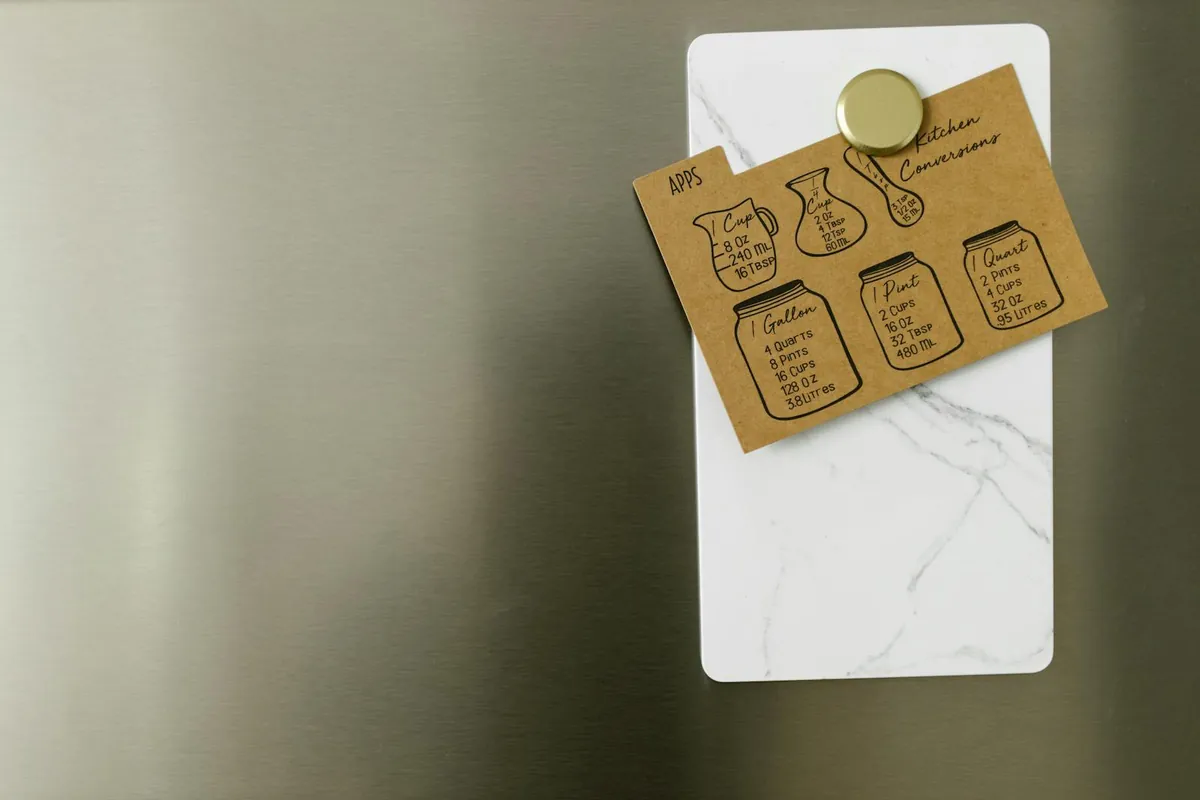
Bonus: printable version – I have a magnetic frame on the fridge that holds a printed weekly menu. The kids check it after school. Husband checks it on his way home. No more “what’s for dinner” texts.
Kid-friendly meal planning tips
- Kid’s Choice Wednesday – let one kid pick the meal each week (within reason)
- Build-your-own bars – taco bar, salad bar, pasta bar – everyone picks their toppings
- One “safe food” per meal – if dinner is curry, also have rice and naan that even picky eaters will accept
- Don’t short-order cook – one meal for everyone, take it or leave it
Meal planning apps I’ve tested
- Mealime – good for couples without kids; recipe-driven, not theme-driven
- Plan to Eat – powerful but overwhelming
- Paprika – great recipe manager, weak weekly planner
- Pen and paper / Google Sheets – what actually works long-term for most families
For more family living guides, see my grocery savings playbook, budget birthday party planning, and my 15 kitchen hacks for American home cooks.
Frequently Asked Questions
How long does meal planning actually take?
Setting up the template: 30 minutes once. Weekly planning: 15 minutes on Saturday morning. Sunday meal prep: 60-90 minutes. Total weekly time investment: 75-105 minutes. Saves me 5+ hours/week in weeknight scramble.
What if my family complains about repetitive meals?
Rotate within each theme. Taco Tuesday can be beef tacos, chicken fajitas, fish tacos, breakfast tacos, or shrimp tacos – completely different meals under one theme. You’re not eating the same thing every Tuesday.
How do you handle picky eaters?
One meal for the family + always have one “safe” component per meal (rice, plain pasta, bread). Don’t cook three different meals. Picky eaters usually expand if exposed repeatedly without pressure.
Is meal kit delivery worth it?
For couples or singles: maybe. For families of 4+: rarely. $12-15 per serving x 5 nights x 4 people = $250+/week. Plus you still cook. Better to spend $80-100 at the grocery store with a real meal plan.
