In 2023 my husband started working from home full-time. We turned the spare bedroom into his office and spent way too much money doing it – $1,800 between a sit-stand desk, an ergonomic chair he never adjusted right, and a triple-monitor setup he uses one screen of. Two years later, I built MY home office in the basement corner for $487 and frankly mine works better.
Here’s the actual list. Prices verified at Target, Amazon, and IKEA in May 2026.
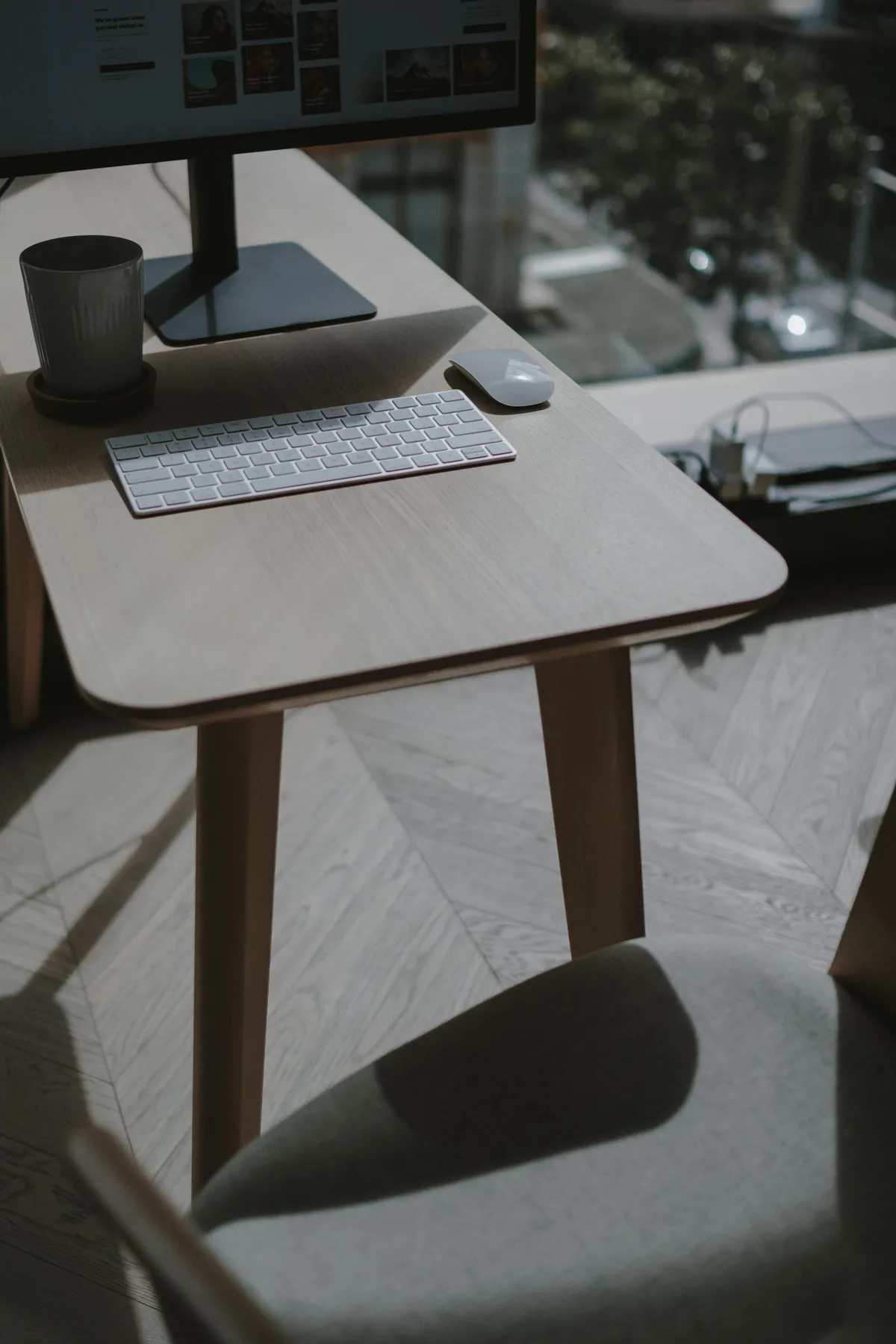
The complete shopping list ($487 total)
| Item | Where | Price |
|---|---|---|
| IKEA LINNMON desk 47×24″ | IKEA | $89 |
| Amazon Basics ergonomic mesh chair | Amazon | $129 |
| HP 24″ 1080p monitor | Costco/Amazon | $129 |
| BenQ ScreenBar Halo LED lamp clone | Amazon | $34 |
| Bamboo monitor riser w/ storage | Target | $25 |
| Logitech MK540 keyboard + mouse | Amazon | $35 |
| Cable management tray + Velcro ties | Amazon | $14 |
| HDMI cable + extension cord | Walmart | $12 |
| Plant + ceramic pot | Lowe’s | $20 |
| TOTAL | $487 |
1. The desk – IKEA LINNMON ($89)
The LINNMON tabletop is $25 alone, ADILS legs are $5 each. Four legs and a top = $45 + tax. I added the storage shelf model with cubbies (LINNMON + KALLAX combo) for $89. It’s not fancy, it’s not adjustable height, but it’s a flat surface at the right height and that’s all a desk needs to be.
Avoid sit-stand desks until you’re sure you’ll use them. Most people stand for 2 weeks then stop. You can always add a $80 standing desk converter later.
2. The chair – Amazon Basics ergonomic mesh ($129)
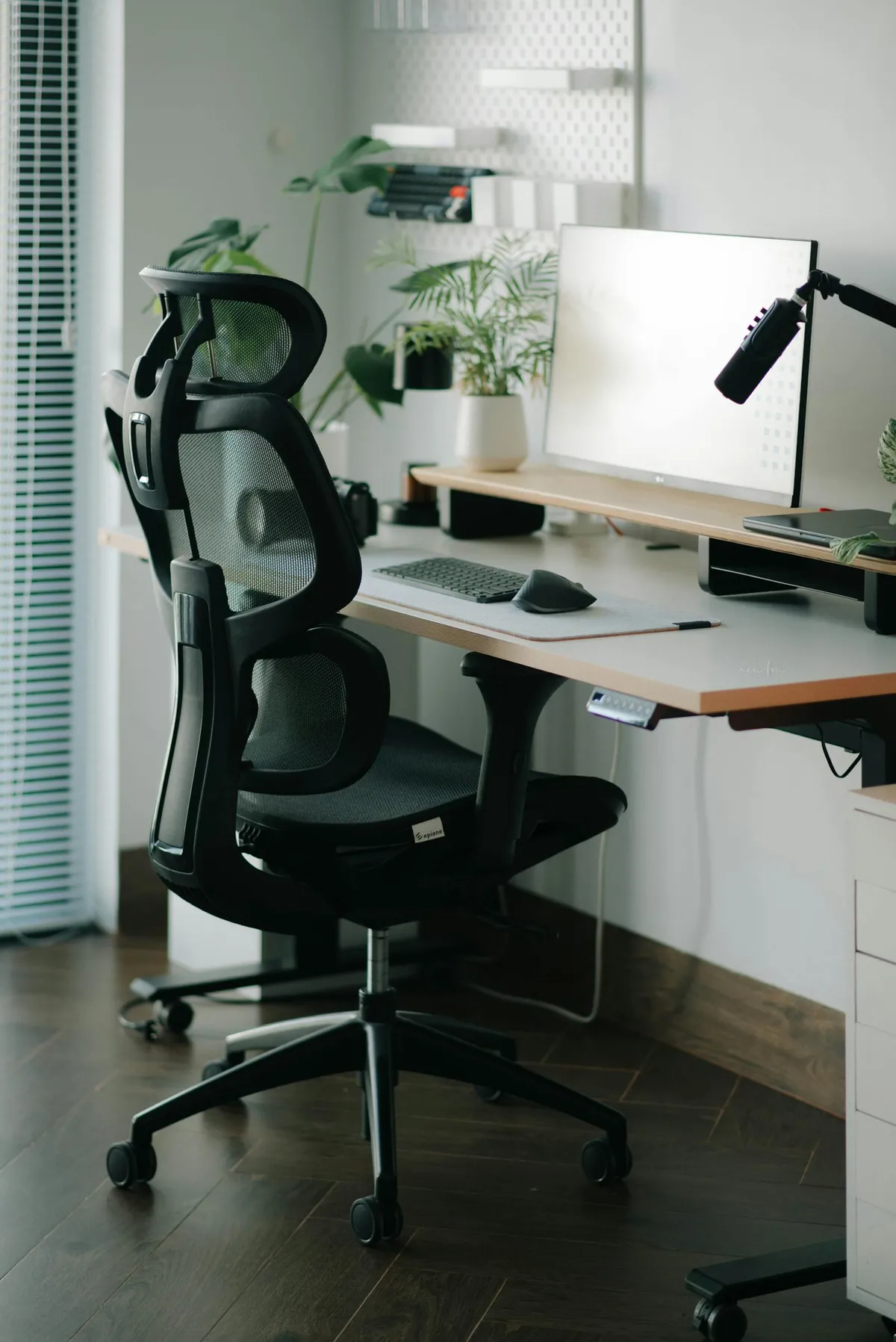
I won’t pretend this is a Herman Miller Aeron ($1,400). It’s not. But it’s adjustable (height, armrests, tilt, lumbar), the mesh back breathes, and 6,000+ Amazon reviews average 4.2 stars. I’ve used mine for 9 months without back pain.
The trick with any office chair is to actually adjust it: feet flat on floor, knees at 90, elbows at 90 when typing, monitor at eye level. Spend 10 minutes setting up correctly.
3. The monitor – 24″ 1080p ($129)
HP, Dell, LG, ASUS – any of the basic 24-inch 1080p IPS monitors are fine. Costco often has them under $130 with a 90-day return window. You do NOT need 4K for spreadsheets and email. You do NOT need 144Hz for office work. Skip the fancy gaming monitors.
One monitor is fine. Two is nice if you do a lot of side-by-side work. Three is mostly performance art unless you’re a programmer or video editor.
4. The desk lamp – LED bar with USB power ($34)
The BenQ ScreenBar is $109. The Amazon clones are $34 and work 90% as well. They clip to the top of your monitor, illuminate your desk without screen glare, and run off USB. Game changer for evening work.
5. The monitor riser ($25)
Bamboo riser with drawer space underneath. Raises monitor to eye level (huge for neck pain), and the drawer hides clutter. Target carries them in a few finishes. The cheap plastic ones break; bamboo lasts.
6. Keyboard and mouse – Logitech MK540 ($35)
Wireless combo, single USB dongle, AAA batteries that last 3 years. The keyboard has a slight wrist curve and a number pad. Not mechanical, not RGB, not flashy. Just works.
If you want to upgrade later, a Keychron K2 mechanical keyboard ($89) is worth it. Don’t start there.
7. Cable management ($14)
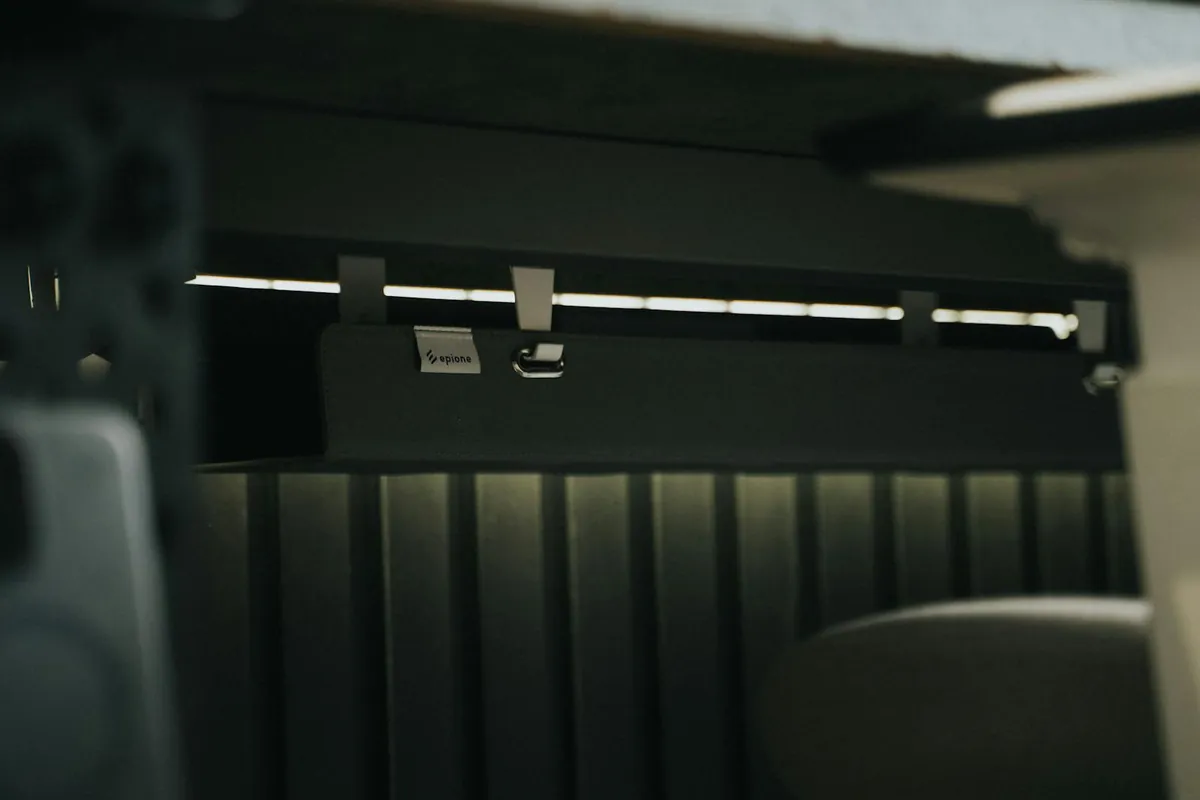
Under-desk cable tray + Velcro ties + adhesive cord clips. Spend an hour on cable management once and you’ll never re-do it. Tangled cables behind a desk look terrible and trap dust.
What I deliberately skipped (and why)
- Standing desk ($300+) – 90% of people who buy them sit anyway. Try a $25 standing desk converter first.
- Monitor arm ($120) – nice but unnecessary if you have a riser.
- Webcam ($89) – laptop webcams are fine for video calls. Lighting matters more than camera quality.
- Headset ($200) – AirPods Pro work. Don’t need Bose.
- Standing mat ($60) – not relevant if you’re not standing.
- Acoustic panels ($150) – unless you’re recording podcasts or video, your room doesn’t need them.
Upgrades worth making LATER
- Second monitor ($120) – after 6 months if you find yourself constantly alt-tabbing
- Mechanical keyboard ($90) – if you type more than 4 hours a day
- Better chair ($400-700) – if you have back issues; Steelcase or Herman Miller refurb
- External webcam ($89) – only if you’re on video 4+ hours a day
Setting up the space
Pick a corner of a room that gets natural light. Position the desk perpendicular to the window (NOT facing it – screen glare; not back to it – camera silhouette). Add a small plant – a pet-safe one if you have animals. Keep the surface clear except for the essentials.
For more budget guides, see my grocery savings tactics, lower your electric bill, and best mattresses under $2,300.
Frequently Asked Questions
What’s the most important home office purchase?
The chair, then the monitor at the right height. You’ll spend 8 hours a day in the chair and your neck will pay forever if the monitor is below eye level. Get those two right, skimp on everything else.
Do I really need a desk, or can I use the kitchen table?
You need a dedicated desk. Working from the kitchen table for more than a week leads to back pain and you’ll never actually disconnect from work because your “office” is also where you eat. $89 IKEA desk solves this.
Is a standing desk worth it?
For most people, no. Studies show most users stop standing after 2-4 weeks. If you want the benefits of standing, take a 5-minute walk every hour – cheaper, more effective.
Can I deduct home office expenses on my taxes?
If you’re a W-2 employee, no (post-2018 tax law). If you’re self-employed/1099, yes – either the simplified method ($5 per sq ft up to 300 sq ft) or actual expenses. Talk to your tax preparer.
